Home Office Router Distance Measurement Checklist UK: Move Once, Re-measure Twice
There is no official NHS “safe desk distance” from a Wi-Fi router—measure your seat against a hallway placement instead of buying shields first. A short UK checklist marks 0.5 m and 1 m, tries ethernet where practical, and re-measures after one deliberate move.
What UK advice actually supports
UKHSA’s position on the GOV.UK Wi-Fi radio waves and health page is that exposures are low versus ICNIRP and there is no reason to stop using Wi-Fi. Practical reduction still prefers distance and switching unused devices off, per the GOV.UK reducing exposure guidance. If you freelance from home, do not confuse desk curiosity with employer duties under the HSE EMF regulations overview.
Desk measurement checklist
- Clear phone and earbuds from the measuring hand.
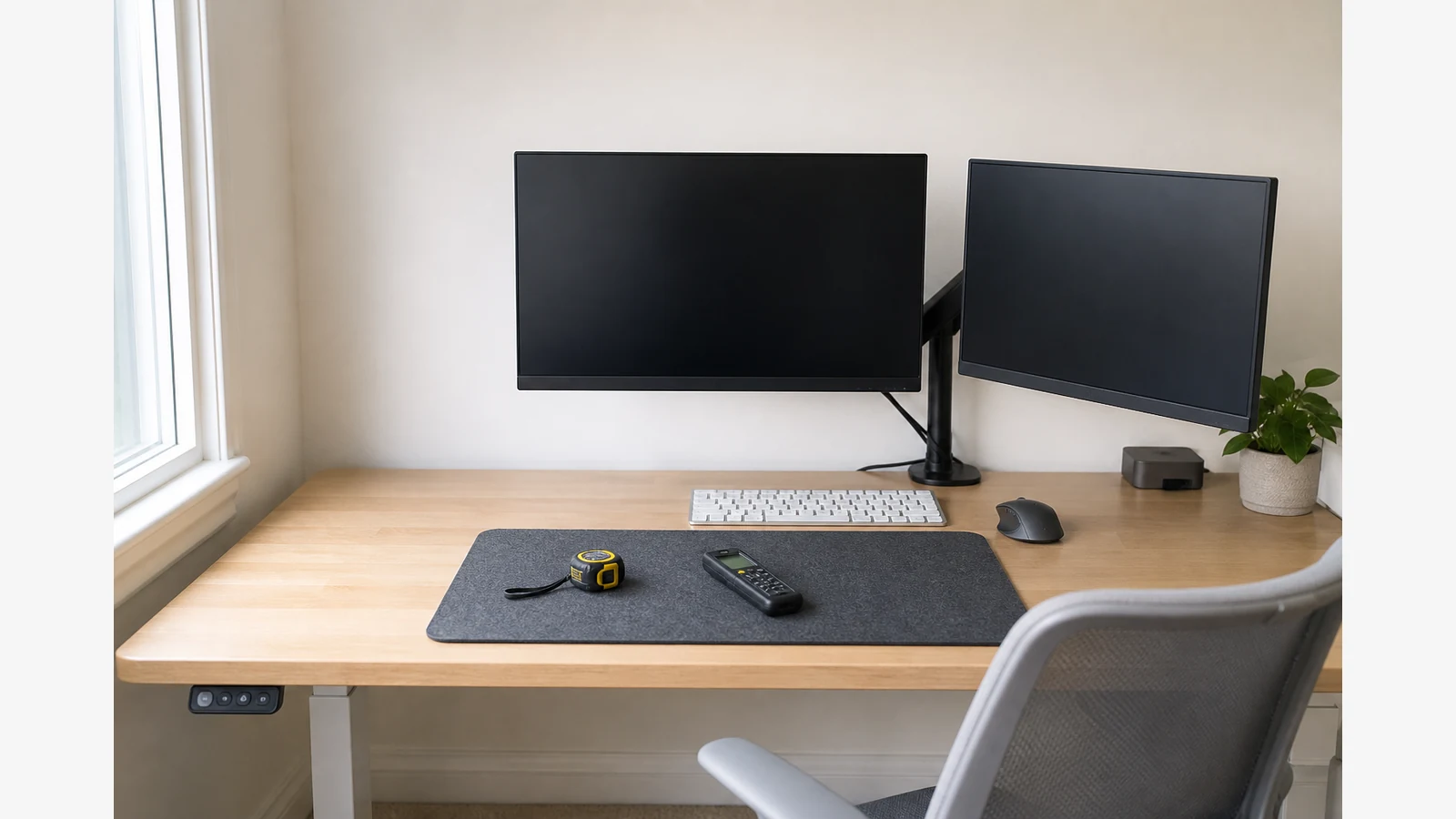
- Log RF at the chair with the router on the desk corner (0 m reference on the chassis).
- Mark 0.5 m and 1 m on the desk mat; log both.
- Move the ISP hub to the landing or spare shelf; keep mesh nodes labelled separately.
- Re-measure the chair twice: once on Wi-Fi only, once with ethernet backhaul if you have a spare port.
- Inventory Bluetooth dongles and powered USB hubs—magnetic hotspots near PSU bricks are a different column.
Decision path: relocate before shields
If hallway placement keeps video calls stable, you are done. Mesh nodes on the stairwell are fine when labelled and re-checked; powerline adapters trade RF at the desk for different wiring noise—log both if you experiment. Rules of thumb without a meter invent a mandatory setback the NHS does not publish; your own chair numbers beat slogans.
Related bedroom and limit reading
Nightstand beacons often matter more than the office router at sleep time—see cordless base station bedroom EMF. For comparing intermittent sources elsewhere in the house, use the smart meter vs Wi-Fi comparison method. Hardware after the checklist: ERICKHILL meter details.
FAQ
Will moving the router ruin coverage?
Sometimes. That is why you re-measure and run a real call test after one move—not after buying curtains or stickers.
Do headaches mean the router is “too close”?
Readings can guide arrangement; they do not diagnose headaches. Seek clinical advice for symptoms.